RingLoop vs Marble Music vs Note Bounce: Which App for You?
Cihad Turhan5 min read
RingLoop is the pick if you want to play a song as layered rings and render a build-up video, Marble Music (formerly Beat Bounce) is the pick if you want a marble bouncing on every note in a polished clip of up to 4K, and Note Bounce is the pick if you want to learn to read sheet music while you play. All three are free to download, run on iOS and Android, and import MIDI files, but each one turns the same notes into a very different video.
A disclosure first: all three apps are made by the same developer, Cihad Turhan, who also publishes this blog. This comparison sticks to what each app's own site states, and it says where each one is not the right fit.
The core idea of each app
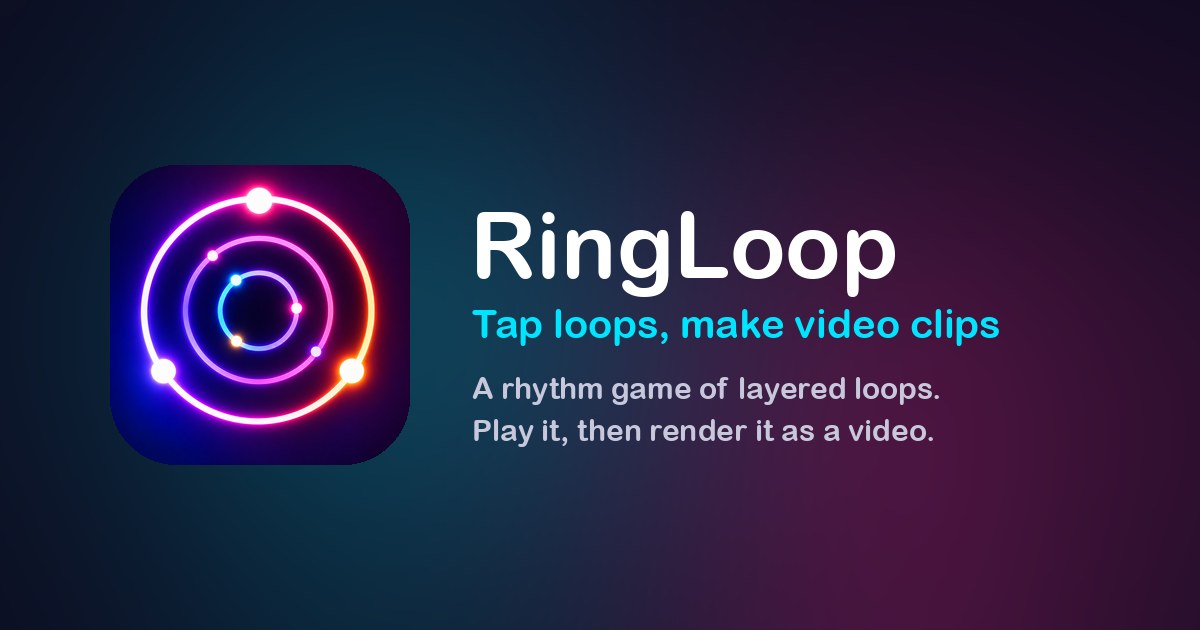
RingLoop. Every song is a set of concentric rings. When you clear a ring in time, its instrument joins the mix, like a loop station, until the whole song plays. The visual is neon rings filling in, and the satisfaction comes from the arrangement building up.
Marble Music. A marble bounces on every note of a song, turning it into a bouncing-marble music video. The gameplay is relaxing, with glowing visual themes and a library of piano, chill and classical songs.
Note Bounce. Bouncing balls land on real sheet music, so you learn to read notes and rhythm as you play. It covers piano and classical (orchestral) songs, and the satisfaction comes from watching the notation and the sound line up.
Side-by-side comparison
| RingLoop | Marble Music | Note Bounce | |
|---|---|---|---|
| Visual | Concentric neon rings | Bouncing marble, glowing themes | Balls landing on a music staff |
| Platforms | iOS (iPhone, iPad), Android | iOS, Android, Steam (Windows, macOS) | iOS, Android, Steam (Windows, macOS) |
| Price model | Free to play; ads for non-VIP players | Free with in-app purchases | Free with in-app purchases |
| MIDI import | Level editor, one ring per MIDI track | Level editor with MIDI import | MIDI import to build custom levels |
| Video renders | Portrait or landscape, 720p to 4K, perfect-loop option | Up to 4K for TikTok, Reels and Shorts | Renders gameplay videos to share |
| Offline | Yes | Not stated | Yes |
| Best for | Layer-by-layer build-ups | Smooth, satisfying note-by-note clips | Learning to read music |
Two details the table can't hold. RingLoop's catalogue mixes classical melodies remixed into neon with originals across house, lo-fi, synthwave and chiptune, and it has no timers, lives or energy. Marble Music's site also hosts a free library of more than 1,100 MIDI files, which is useful no matter which of the three apps you end up using.
What MIDI import does in each
The same file behaves differently in each app, which is the most practical difference for creators.
- RingLoop reads the tracks. Each MIDI track becomes a ring, so a file with separate drums, bass, chords and melody becomes a four-stage build. You can adjust the mix per ring, split dense parts across rings, and test-play to tune the difficulty. A single-track file gives you a single ring, so multi-track files work best.
- Marble Music follows the notes. The marble lands on every note, so a clear melody line makes the most readable clip.
- Note Bounce shows the notes as notation. Your imported song becomes a custom level on a real staff, which makes it the one to choose when you want to see what the music looks like written down.
If you are new to the RingLoop side, the guide to turning a MIDI file into a looping music video walks through the import and render steps.
Rendering and posting
All three apps make shareable video, but they differ in what you control.
- RingLoop renders in portrait for Reels and Shorts or landscape for YouTube, from 720p up to 4K, and the perfect loop option makes the clip repeat seamlessly. Videos save to your camera roll. Non-VIP players see ads, and VIP unlocks larger renders and watermark-free videos.
- Marble Music renders up to 4K for TikTok, Instagram Reels and YouTube Shorts. Its store listing notes that some features need a subscription, so check what your plan includes.
- Note Bounce renders gameplay videos to share, which suits educational or "can you read this?" content.
Where each one is the wrong choice
- Skip RingLoop if you play on a PC or Mac, since it has no Steam version. It is also less suited to solo piano pieces with one track, because the build-up needs several parts.
- Skip Marble Music if your goal is learning to read notation; the marble shows rhythm and pitch movement, not a staff.
- Skip Note Bounce if you want a beat or electronic track to build up in layers; it is centered on piano and classical songs on sheet music.
Pick by goal
| Your goal | Start with |
|---|---|
| A video where the song builds up layer by layer | RingLoop |
| A smooth, satisfying clip of a melody | Marble Music |
| Learning to read notes and rhythm | Note Bounce |
| Playing on a Windows or macOS computer | Marble Music or Note Bounce |
| Playing on a flight without a connection | RingLoop or Note Bounce |
| Finding free MIDI files to import anywhere | Marble Music's MIDI library |
If your goal is a clip that looks good on TikTok or Reels from the first second, start with Marble Music. Grab a public-domain MIDI from its free library, import it, and the marble lands on every note without any animation work. Then try the same file in RingLoop as a ring-by-ring build-up, or in Note Bounce to see it on the staff, and compare which version your audience responds to.
Try it
Choose one public-domain melody you like, such as a Bach or Beethoven piece, and run it through the app that matches your goal from the table above. If you make videos, render the same MIDI in two of the apps and post both versions a few days apart. Seeing your own audience react is the most reliable way to decide which style is yours, and you can always head back to the RingLoop home page to get started with rings.
Frequently asked questions
- Which app is best for making TikTok music videos?
- All three render videos you can post. Pick RingLoop if you want a song building up layer by layer, Marble Music if you want a marble bouncing on every note in up to 4K, and Note Bounce if you want the notes shown on real sheet music.
- Can I use the same MIDI file in all three apps?
- Yes, all three have MIDI import for building custom levels. A multi-track MIDI suits RingLoop best because it creates one ring per track, while the melody alone is often enough for the other two.
Get RingLoop
Free to play on iPhone, iPad and Android. Import your MIDI, clear the rings and render the loop as a video.